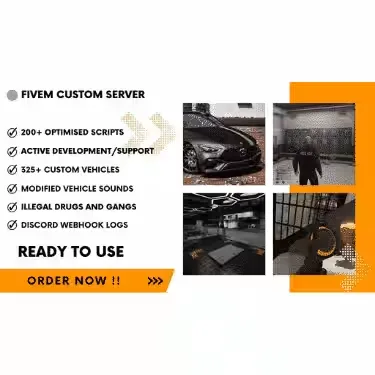
Where the build line gets its own map
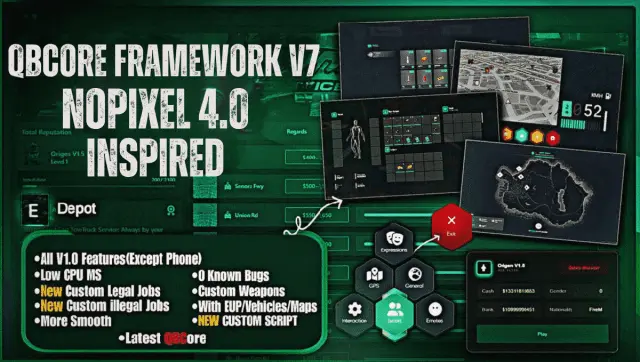
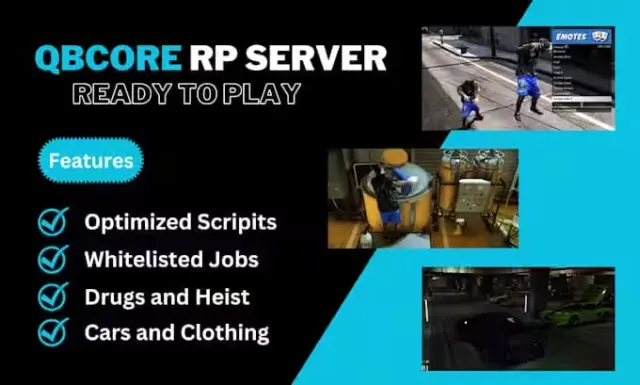
V3 is the version that stops looking like stock Los Santos. New EUP, new maps, custom vehicles and premium scripts come installed, and the jobs are configured against Gabz MLOs rather than default interiors, so the places players work are places worth being in.
Arrival and identity
- A custom spawn selector and a cutscene when landing in the city, which gives a new player a first impression rather than a loading screen.
- Custom emotes and a large custom clothing set.
- Custom apartment interiors.
Map and content
- Cayo Perico island content.
- Jobs configured to work with Gabz MLOs.
- Arcade machines, casino and roulette.
- Blackmarket at multiple locations, plus a pawnshop system.
- Luxury vehicle shop (EDM) and PDM, both with stock systems.
Crime and law
- Unique custom robberies.
- Advanced drugs system with custom animation work.
- Fully functional police job with MDT and a custom alert system.
- Gang systems.
- Police and EMS outfits and vehicles.
Jobs
Public and whitelisted work covering ambulance, Burgershot, bus, police, Vanilla Unicorn, truck driver, tow and taxi, among others.
Systems
Eye targeting integrated across most scripts, a fully functional inventory, and PMA-Voice with radio and phone integration.
What you supply
Hosting, a database and your own Cfx.re key. Delivered by email within minutes of checkout.
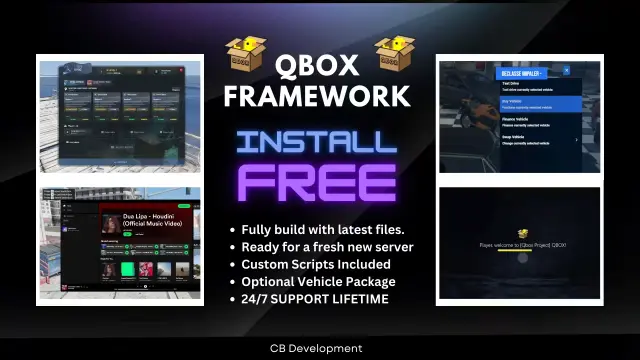
QBCore Framework V3 installation for FiveM servers
QBCore Framework V3 is a FiveM script from CFX Assets Tebex Store in the FiveM Readymade Servers category. After checkout, download the resource package from your CFX Assets Tebex Store order email, upload the included folder to your server, and start it from server.cfg.
resources/ directory.
ensure line using the exact folder name shipped in the download.
Use this as the server.cfg pattern. Replace the folder name if your downloaded resource folder is different:
ensure qbcore-framework-v3The previous generated tebex-... prefix has been removed here because the real folder name is controlled by the download package, not by this product page.
Why QBCore Framework V3 fits a FiveM server
Framework labels for this listing: qbcore, qbox. Check the included readme for any product-specific setup notes.
QBCore Framework V3 compatibility and purchase details
Write a review
Reviews are moderated before appearing. Purchased the product? Your review gets a VERIFIED badge automatically.
Related scripts
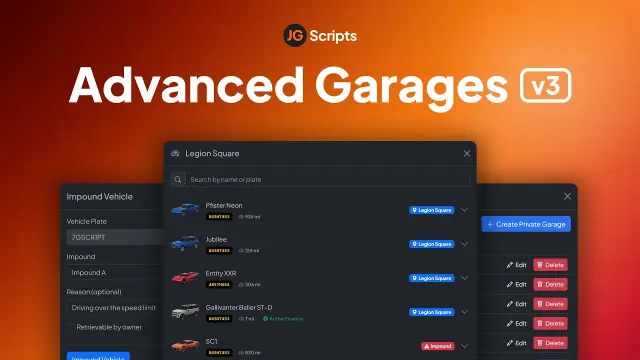
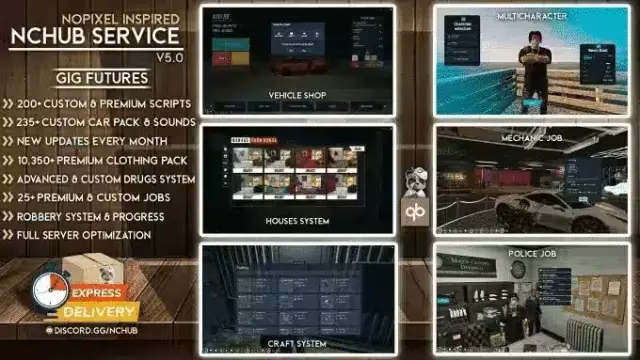
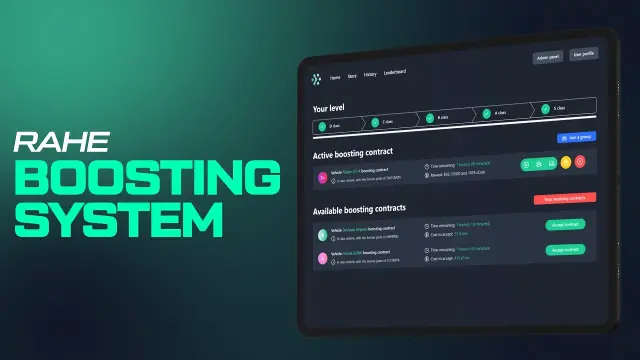



About this FiveM script
QBCore Framework V3 is a premium FiveM script for qbcore, qbox servers. It’s part of the Tebex catalog, a curated selection of resources for QBCore, ESX and Qbox roleplay servers. Every script on Tebex ships with lifetime updates, instant email delivery, and email support for technical questions.
It installs as a standard FiveM resource: unzip it into your resources folder, add it to your server.cfg, and restart. The config-first design means you can change prices, permissions and locations without editing the core Lua.
Framework fit for this listing: qbcore, qbox. Check the included readme for any setup notes specific to this resource. Licence and refund terms are set out in our terms.