A Qbox city, and a compatibility bonus
Qbox's argument is better foundations: ox_lib, ox_inventory and oxmysql underneath the same mental model QBCore established. The practical objection has always been catalogue size. This build answers it directly, because it supports QBCore scripts by default with no configuration, which means the ecosystem you would be leaving behind mostly comes with you.
Installing it
Drag and drop, with the SQL included. Configuration is deliberately shallow: the intent is that a server owner who is not a developer can stand this up.
What comes configured
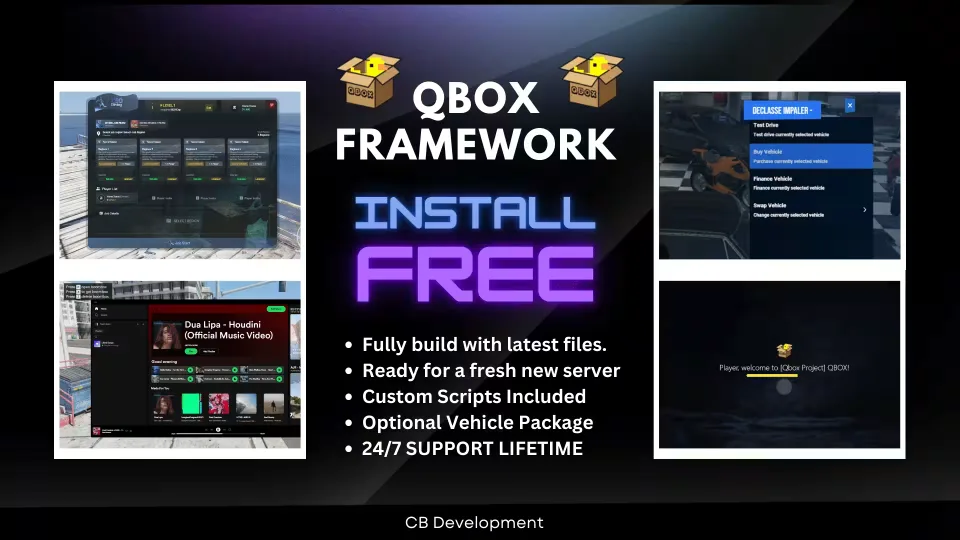
- Custom HUD and a custom chat theme.
- Custom pause menu with blips, so the map is useful without leaving the game.
- Vehicle control menu on F5.
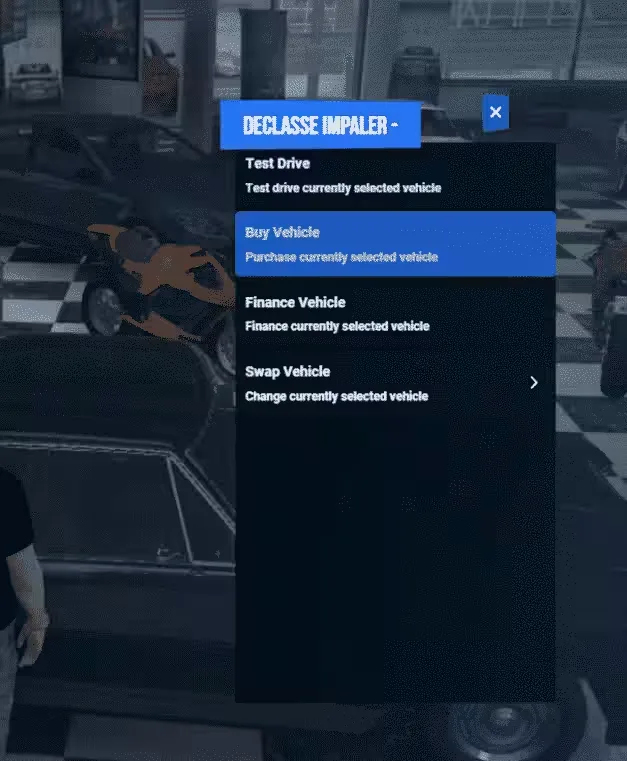
- Advanced vehicle rental, which matters more than it sounds on a new server where nobody owns a car yet.
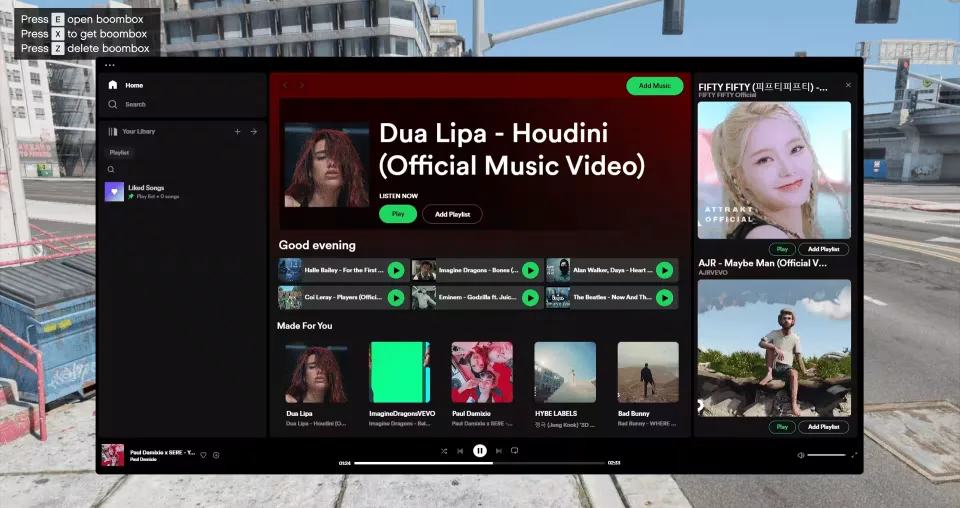
- Boombox with Spotify support and playlists.
- AI tax job with balanced pay.
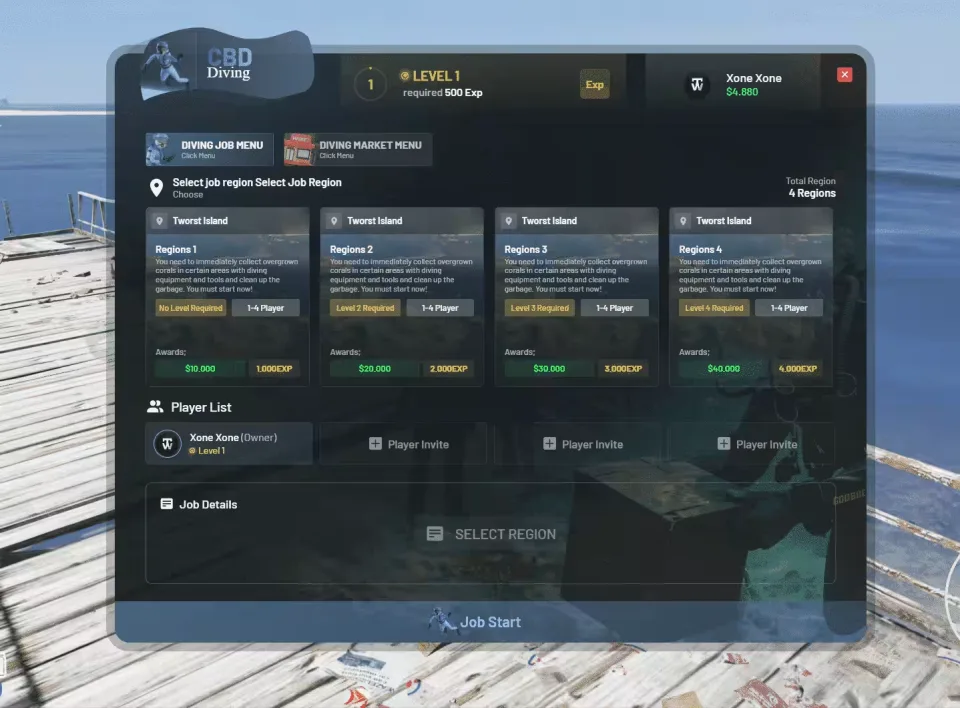
- Advanced diving job with levels and achievements, built to keep players occupied during quiet hours.
- Custom ox_lib with a reworked interface.
Why the rental and diving jobs matter
A new server's hardest problem is the first hour: no player owns a vehicle and no player has a reason to stay. A rental system and a levelled solo job both exist to solve exactly that, which is why they are worth more here than their feature descriptions suggest.
What you supply
Hosting, a database and your own Cfx.re key. Delivered by email within minutes of checkout.
Full Custom Qbox Framework installation for FiveM servers
Full Custom Qbox Framework is a FiveM script from CFX Assets Tebex Store in the FiveM Readymade Servers category. After checkout, download the resource package from your CFX Assets Tebex Store order email, upload the included folder to your server, and start it from server.cfg.
resources/ directory.
ensure line using the exact folder name shipped in the download.
Use this as the server.cfg pattern. Replace the folder name if your downloaded resource folder is different:
ensure full-qbox-frameworkThe previous generated tebex-... prefix has been removed here because the real folder name is controlled by the download package, not by this product page.
Why Full Custom Qbox Framework fits a FiveM server
Framework labels for this listing: qbox. Check the included readme for any product-specific setup notes.
Full Custom Qbox Framework compatibility and purchase details
Write a review
Reviews are moderated before appearing. Purchased the product? Your review gets a VERIFIED badge automatically.
Related scripts



About this FiveM script
Full Custom Qbox Framework is a premium FiveM script for qbox servers. It’s part of the Tebex catalog, a curated selection of resources for QBCore, ESX and Qbox roleplay servers. Every script on Tebex ships with lifetime updates, instant email delivery, and email support for technical questions.
It installs as a standard FiveM resource: unzip it into your resources folder, add it to your server.cfg, and restart. The config-first design means you can change prices, permissions and locations without editing the core Lua.
Framework fit for this listing: qbox. Check the included readme for any setup notes specific to this resource. Licence and refund terms are set out in our terms.