FiveM MLO Interiors
An MLO is the difference between a job that happens at a blip and a job that happens in a room. Everything here is a fully enterable interior with collision, LODs and prop dressing already done, streamed the standard way and ready for the target script you already run.
Scripts in this category
8 products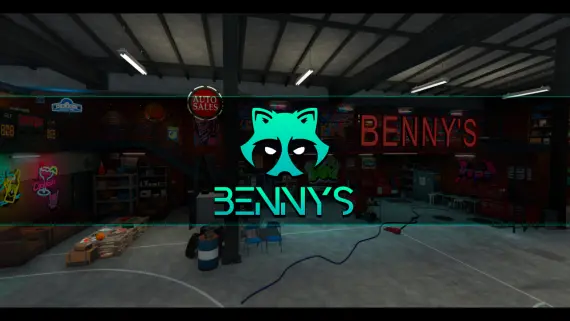
What an MLO actually adds
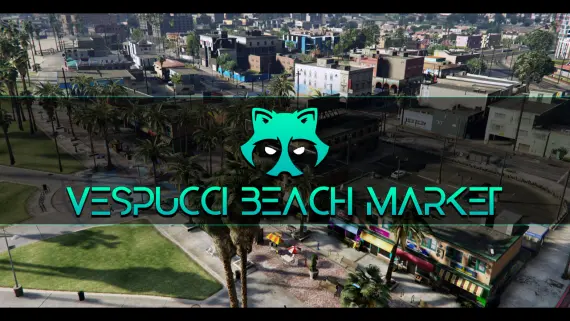
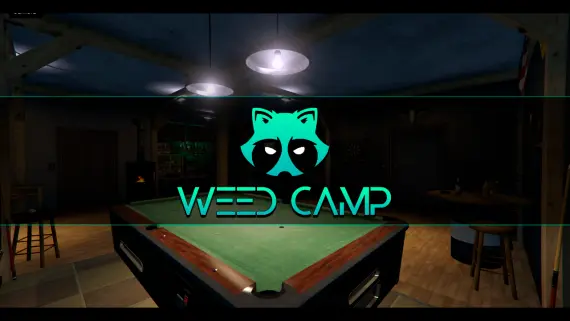
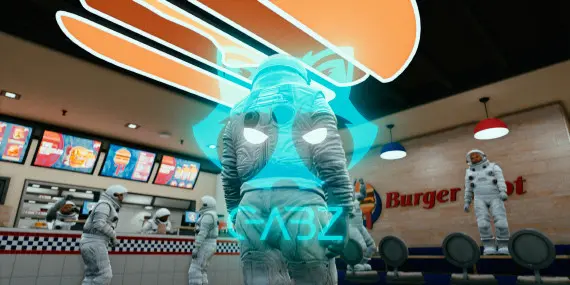
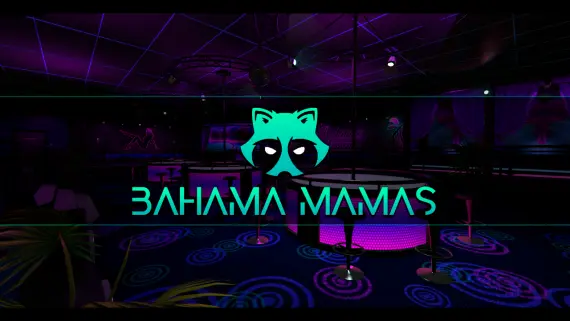
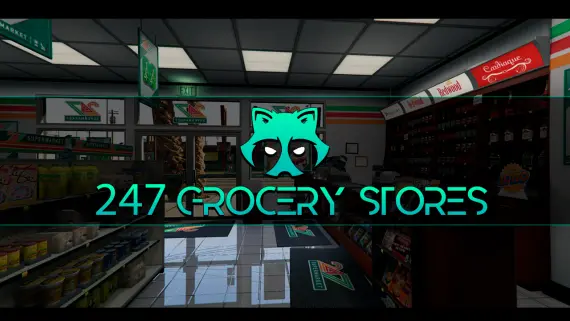
Base GTA V ships most Los Santos buildings as shells: the door is a texture, and anything happening "inside" is a script pretending. An MLO replaces that shell with a real interior, meaning floor, walls, collision, lighting, props and the navmesh peds need to walk it. Once it exists, every system you already run gets somewhere to live. A shopkeeper job gets a counter to stand behind. A robbery gets a back office to breach. A club job gets a DJ booth instead of a coordinate.
What you get in these packs
Every interior in this collection streams as a resource folder you drop into resources and ensure in your server.cfg. Inside it: the .ydr and .ytd model and texture files, a .ytyp archetype definition and a .ymap placement, plus the manifest lines that register them. There is no framework dependency in an interior, because an MLO is geometry rather than logic, so the same file works on QBCore, Qbox, ESX or a standalone build. What differs between servers is the script you point at it.
Choosing interiors that fit your city
Three things decide whether an MLO earns its slot:
- Does a loop already need it? An interior with no script attached is scenery. Buy the restaurant when you are about to run a restaurant job, not before.
- Where is it on the map? Two interiors on the same block create a dead district elsewhere. Spread them across the city so travel time stays part of the roleplay.
- What does it cost to stream? Interiors are among the heavier assets a client loads. Watch texture dictionary size and LOD stages, and stage your additions rather than dropping six in one restart.
Installing without breaking the map
MLO conflicts almost always come from two resources placing geometry at the same coordinates, a common problem when an interior pack and a map pack both edit the same building. Load one interior at a time, walk the exterior and the interior, and check for flickering geometry before adding the next. If two packs collide, the fix is a load-order change in server.cfg or removing the duplicate .ymap, never editing the models.
Every interior here is delivered by email as a download link the moment payment clears, with the resource folder ready to stream.
Frequently asked questions
Do these MLOs work on QBCore, Qbox and ESX?
Yes. An MLO is map geometry rather than framework logic, so the same interior streams identically on QBCore, Qbox, ESX and standalone servers. Framework compatibility only matters for the job or robbery script you point at the interior.
How do I install a FiveM MLO?
Drop the resource folder into your server's resources directory, add an ensure line for it in server.cfg, and restart. The pack ships the YTYP archetype and YMAP placement already registered in its fxmanifest, so no manual map editing is needed.
Will adding interiors hurt my server's performance?
MLOs cost client-side streaming memory rather than server tick time, so they do not raise your resmon. The practical limit is how many texture dictionaries a client loads at once. Add interiors a few at a time and test on a mid-range machine rather than installing a dozen in one restart.
Can two MLOs conflict with each other?
Yes, when two packs place geometry at the same coordinates, usually an interior pack and a map pack editing the same building. The symptom is flickering or doubled geometry. Fix it by changing load order in server.cfg or removing the duplicate YMAP, never by editing the model files.
Related resource bundles
Compare packs around this collection. Each bundle page explains its purpose, lists the included resources and shows the current price.
-
Gabz MLO bundle →
Shop, nightlife, workshop and outdoor locations