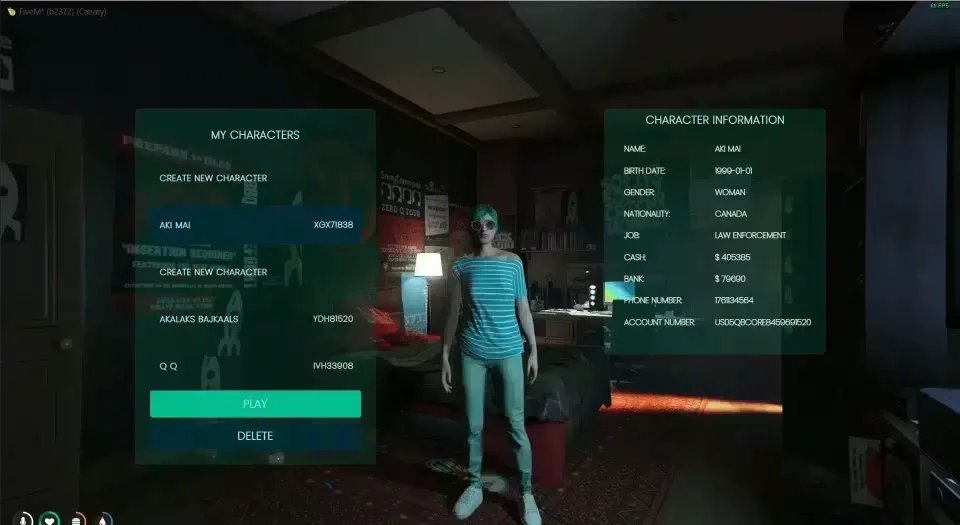
The build where the city gets a fleet
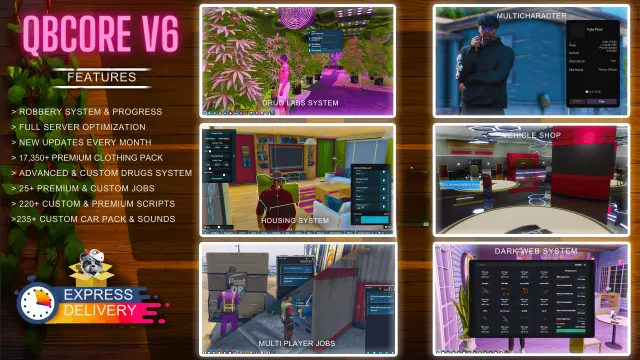
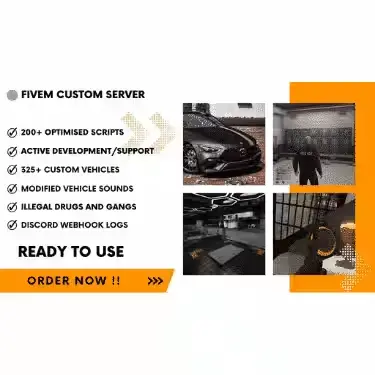
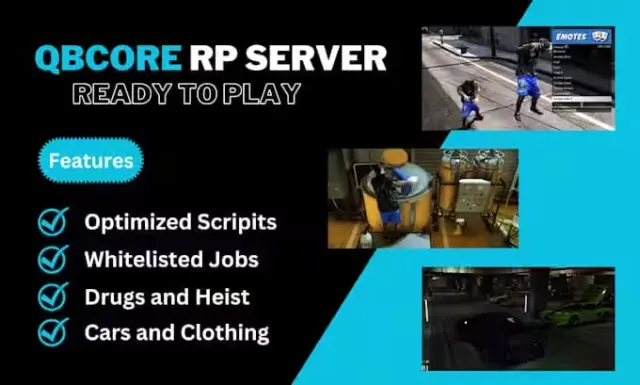
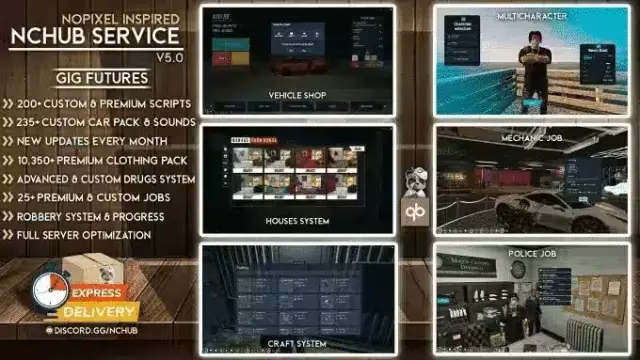
V2's centre of gravity is vehicles and the crime economy around them. Where V1 gives you a working qb-core city, V2 adds the volume that makes a server feel populated: 90+ cars, 20 motorcycles and 15 job vehicles, plus the systems that give players a reason to steal, modify and lose them.
Crime
- House, truck and bank robberies, each with its own custom minigame rather than a shared progress bar.
- Jewellery, i-Fruit and store robberies.
- Chop shop, SIM cards and fake plates, which is the supporting infrastructure most builds forget.
- Cocaine, meth, weed and oxy with custom consumption effects.
- Gun bunker for weapon crafting, and a general crafting system with XP progression.
- Gang houses and garages with a boss menu.
Legal work
Whitelisted roles cover police, EMS, mechanic, car dealer, lawyer and real estate. Open jobs cover garbage, bus, trucking, tow, taxi, hot dog, news, vineyard and prisoner work, alongside hunting, fishing, recycling and dumpster diving. Cat Cafe and Burgershot are both installed.
Interface and integration
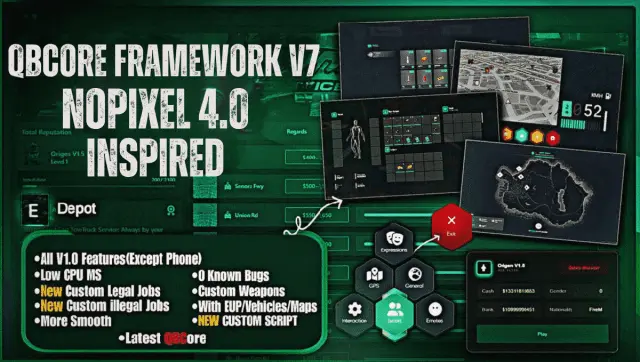
NoPixel-3.0-style eye targeting throughout, a custom loading screen, a full casino, and a Discord integration that surfaces in-game activity in your server's Discord.
What you supply
Hosting, a database and your own Cfx.re server key. Expect a config pass to set your city's prices and payouts before you open to players.
Delivered by email within minutes of checkout.
QBCore Framework V2 installation for FiveM servers
QBCore Framework V2 is a FiveM resource from CFX Assets Tebex Store in the FiveM Readymade Servers category. After checkout, download the resource package from your CFX Assets Tebex Store order email, upload the included folder to your server, and start it from server.cfg.
resources/ directory.
ensure line using the exact folder name shipped in the download.
Use this as the server.cfg pattern. Replace the folder name if your downloaded resource folder is different:
ensure qbcore-framework-v2The previous generated tebex-... prefix has been removed here because the real folder name is controlled by the download package, not by this product page.
Why QBCore Framework V2 fits a FiveM server
This listing is shown as standalone / framework-neutral. Check the included readme for any product-specific setup notes.
QBCore Framework V2 compatibility and purchase details
Write a review
Reviews are moderated before appearing. Purchased the product? Your review gets a VERIFIED badge automatically.
Related scripts


About this FiveM script
QBCore Framework V2 is a premium FiveM script. It’s part of the Tebex catalog, a curated selection of resources for QBCore, ESX and Qbox roleplay servers. Every script on Tebex ships with lifetime updates, instant email delivery, and email support for technical questions.
It installs as a standard FiveM resource: unzip it into your resources folder, add it to your server.cfg, and restart. The config-first design means you can change prices, permissions and locations without editing the core Lua.
Framework fit for this listing: standalone / framework-neutral. Check the included readme for any setup notes specific to this resource. Licence and refund terms are set out in our terms.