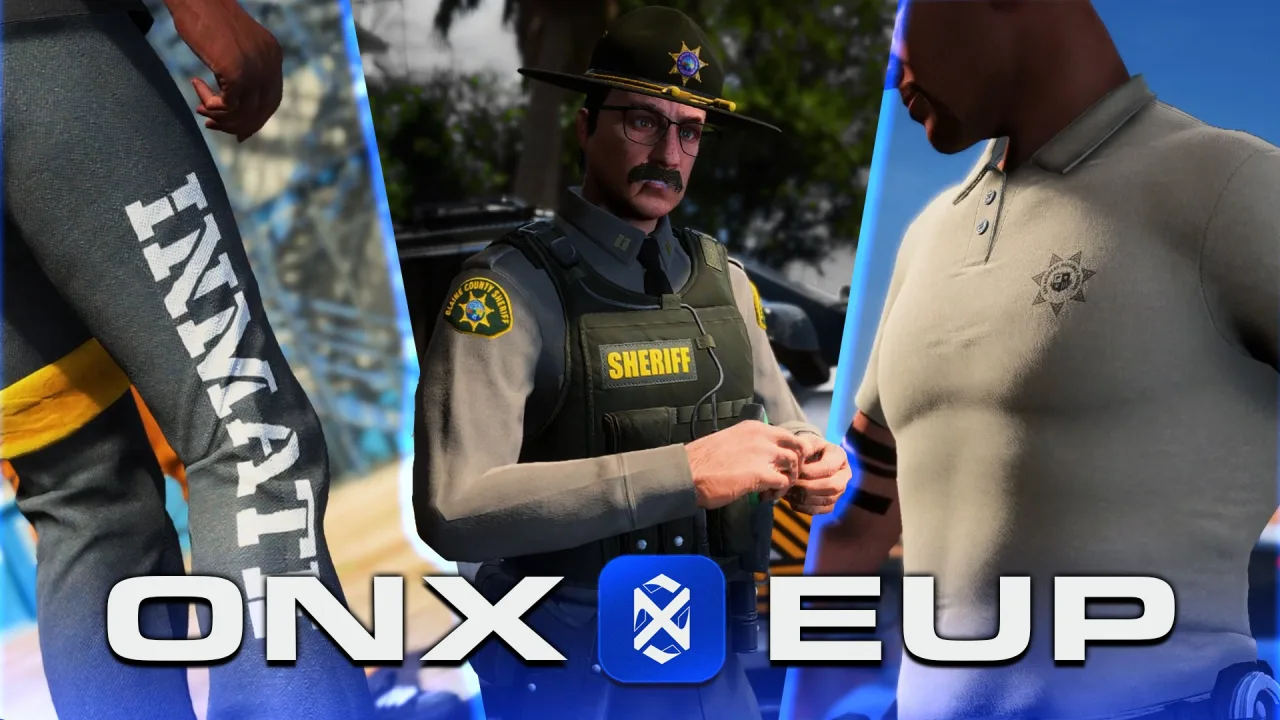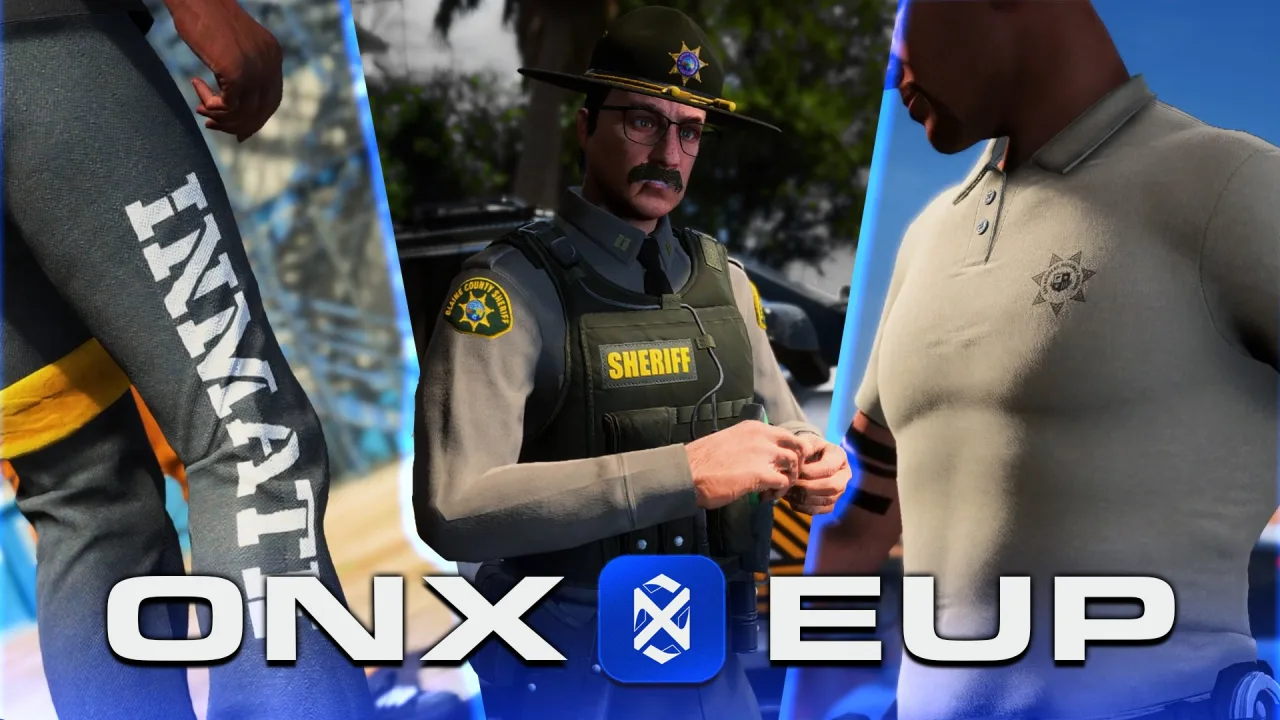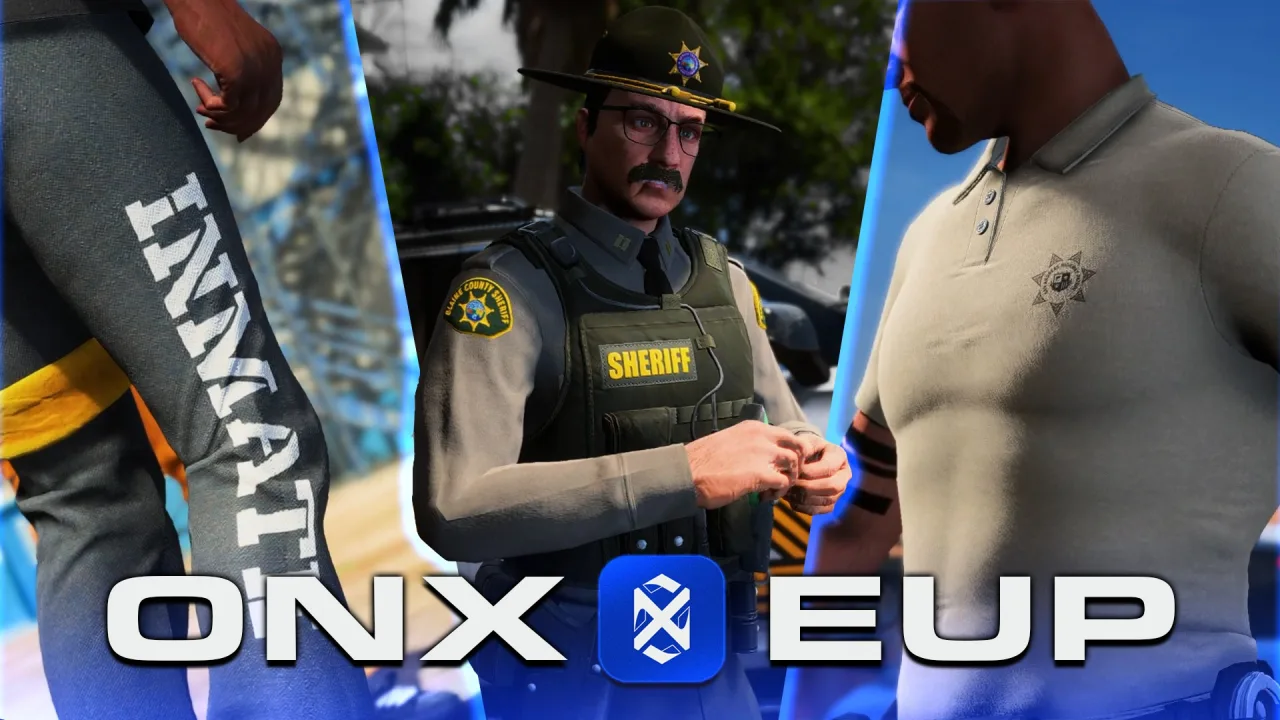
Nothing sells a traffic stop like a properly uniformed officer, and nothing kills one faster than the arresting cop standing there in a vest, no shirt and the default jeans because half the outfit didn’t load. FiveM EUP — the Emergency Uniforms Pack — is how servers dress police, fire, EMS and military characters on freemode peds, and it’s one of the most-installed, most-fumbled assets in FiveM.
The fumbles follow a pattern. People install the menu without the assets, stream the assets without the licence entitlement, or pin a game build that half the wardrobe was never made for. This guide covers what EUP actually is, the subscription check most tutorials skip, the install itself, your menu options, and the fixes for the classic invisible-uniform tickets. For the record, EUP stands for Emergency Uniforms Pack, not End User Pain, although by step four of a bad install you could build a case.
What FiveM EUP actually is (and what it isn’t)
EUP started life as a single-player and LSPDFR clothing mod, then came to FiveM through an official arrangement with Cfx.re. It is not a script. It’s a clothing library: hundreds of uniform drawables — shirts, trousers, vests, badges, campaign hats — built for the two freemode peds, mp_m_freemode_01 and mp_f_freemode_01. Story characters and add-on peds ignore it completely, which is the first thing to check when someone insists EUP “doesn’t work” on their custom Trevor ped.
It ships as separate pieces that guides love to blur together. eup-stream holds the actual assets, the .ydd meshes and .ytd textures. eup-ui is the menu players open to assemble an outfit, and NativeUI is the interface library that menu leans on. Think of it as the wardrobe, the changing-room mirror and the hinges on the door: only one of the three is the product, and the other two are swappable.
The licence check half the tutorials skip
[adjusts duty belt] Right, the serious bit. EUP is free to download, but streaming it on a live server requires that your server’s licence key belongs to a Cfx.re account with an active Element Club pledge at the Argentum tier or higher. There is no separate “EUP key” — people ask for one on the forums weekly, and it has never existed. The entitlement rides on the key you already have.
The one exemption: servers running 8 slots or fewer can stream clothing assets without a pledge. That’s aimed at dev and test boxes — build and QA your whole uniform setup there, then pledge when the city opens. Skip the pledge on a bigger server and the assets simply refuse to stream: the menu opens, the options list, and every selection lands on skin.
Installing and streaming EUP, step by step
The install itself is short. The errors come from doing it 90% right.
- Create a category folder in your resources directory:
resources/[EUP].
- Drop three resources inside it:
eup-stream,eup-uiandNativeUI, each with its ownfxmanifest.luaat the top level. If you openeup-streamand see anothereup-streamfolder inside, you’ve nested the extraction — flatten it.
- The heavy lifting happens in
eup-stream/stream/. Anything in a resource’sstreamfolder gets sent to clients automatically, per the FiveM documentation — no code required, the manifest and folder name do the work.
- In
server.cfg, current artifacts will happily takeensure [EUP]for the whole bracketed folder, but ensuring the three explicitly — NativeUI first, theneup-stream, theneup-ui— is the version that never bites you, because the menu errors out if NativeUI isn’t up before it.
- Restart, join, type
/eupin chat. Browse by department, assemble an outfit, arrest someone for practice.
One budgeting note before you celebrate: eup-stream weighs the better part of a gigabyte and grows with every release. Every fresh client downloads it on first join, on top of your maps and props — the same streaming budget your MLOs and world assets already draw from. A city that streams three gigabytes before anyone presses W has a first-join abandonment problem, so budget EUP’s weight deliberately.
The menu is replaceable; the stream is the product
Here’s the part the hosting-panel guides never mention: eup-ui is just one way to wear the wardrobe, and on a framework server it’s usually the wrong one. The default menu is standalone and open to everyone, which means your friendly neighbourhood civilian can dress as a SWAT commander thirty seconds after joining. Roleplay chaos, guaranteed.
Framework servers gate outfits by job instead. QBCore has qb-eup, ESX servers typically wire uniforms into a job wardrobe, and both illenium-appearance and fivem-appearance support job-outfit configs — a defined loadout per job and grade, applied from a locker room rather than a free-for-all menu. The stream resource doesn’t care which you pick; it serves drawables to whoever asks. Pair it with well-built job and utility scripts and the uniform becomes part of going on duty instead of a costume anyone can wear to the beach.
The component slots a uniform actually touches
Every EUP outfit is a recipe: a set of component, drawable and texture indexes applied together. A patrol uniform typically spans the shirt or tunic on component 11 (jbib), trousers on 4 (lowr), boots on 6 (feet), the vest on 9 (task), badge and patches on 10 (decl), a tie or lanyard on 7, and the hat as prop 0. The menu just applies the recipe for you.
That’s also why a broken outfit usually breaks partially. If one index in the recipe points at a drawable that isn’t streamed, that one piece renders invisible while the rest load fine — hence our shirtless officer from the intro. The recipe was right; one ingredient was missing.
Common EUP errors and what actually causes them
The game-build one deserves a highlight because it looks so much like a broken download. Newer EUP releases include pieces built against newer GTA DLC, so a server pinned to an old build will stream the files and then render nothing where the new drawables should be. If uniforms went invisible right after an EUP update, check your build pin before you re-download anything.
Updating EUP without breaking your numbering
Treat an EUP update like a transplant, not a top-up. Back up your current eup-stream, replace the whole resource with the new release, and never merge two versions by copying “just the new files” across — drawable numbering shifts between releases, and a merged folder produces outfits where the trousers are right and the shirt belongs to a different agency. Your menu configs and job wardrobes reference those indexes, so re-verify saved outfits after every update.
Trimming works, with the same caveat. Deleting departments you’ll never use — no navy on a landlocked county server — is a legitimate way to claw back download size. But the menu still lists what its config references, so trim both sides: remove the stream files and the menu entries together, or players will select entries that render as air.
Legit packs beat leaked Franken-packs
The base EUP library is free behind the pledge, but the custom uniform market on top of it — department-specific packs, agency reskins, matching liveries — is paid work by real creators. Clothing files can’t be protected by asset escrow the way scripts can, which makes uniform packs the most-ripped asset class in FiveM. Leak-site versions are routinely stitched from mismatched releases, with drifted numbering, missing textures and zero updates when the next game build lands.
The buying rule is the same one you’d apply to a liveried emergency vehicle pack: purchase from a storefront on a tebex.io domain, where there’s a creator name attached, an update history behind it, and someone to email when a build bump breaks a drawable. A uniform pack is a long-term dependency of your server, not a one-time download.
Common questions about FiveM EUP
Do I need a Patreon subscription to use EUP? For a live server, yes — the licence key must belong to a Cfx.re account with an Element Club Argentum pledge or higher. The exemption is servers running 8 slots or fewer, which lets you build and test a full EUP setup on a dev key before pledging.
Why are my EUP uniforms invisible? The two usual causes are a game build older than the drawables you’re streaming and missing files in eup-stream/stream/. Set sv_enforceGameBuild to a current build first; if pieces are still missing, re-upload the stream resource and check you haven’t nested the folder during extraction.
Does EUP work with QBCore and ESX? Yes. The stream resource is framework-agnostic — it just serves clothing to the freemode peds. Swap the standalone menu for qb-eup, an ESX job wardrobe or job-outfit configs in illenium-appearance so uniforms are gated by job and grade instead of open to every civilian with a chat box.
EUP is one of those assets that repays doing it properly exactly once. Get the pledge sorted, stream the files clean, gate the menu by job, and pin your game build — and the next traffic stop on your server gets conducted by an officer in a full uniform instead of a vest and regret. Your citizens deserve to be arrested by someone wearing trousers.