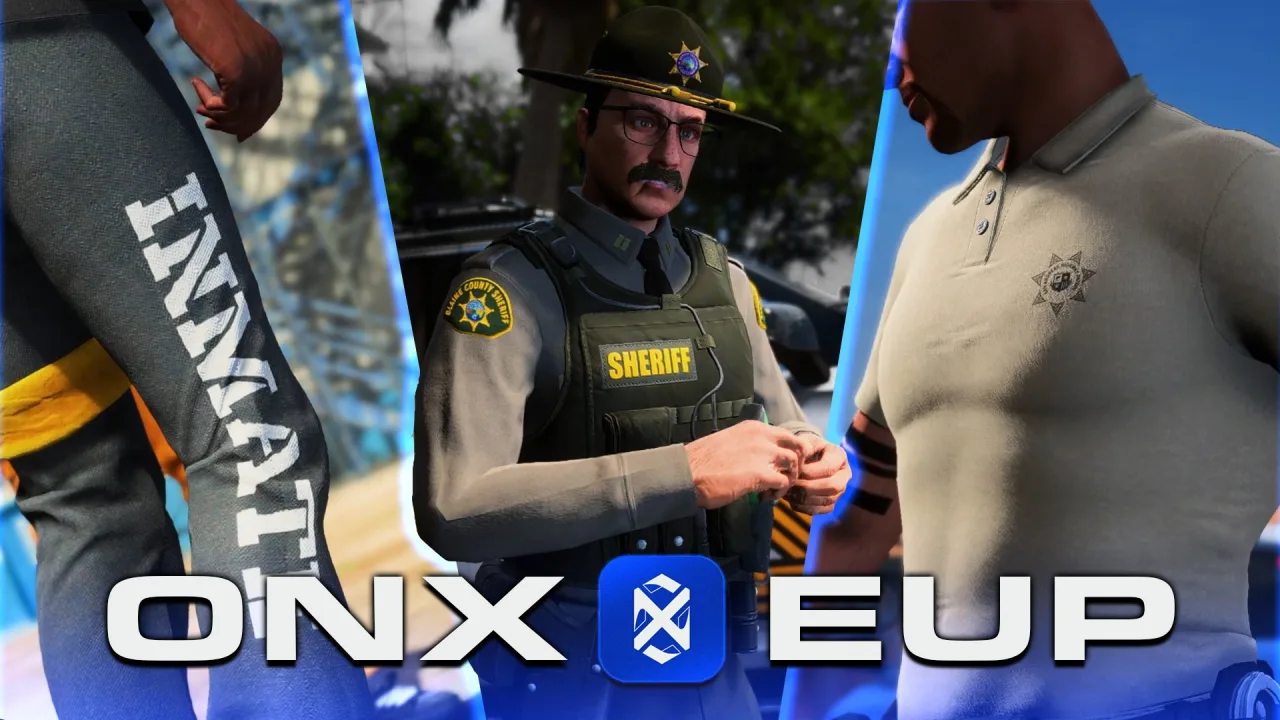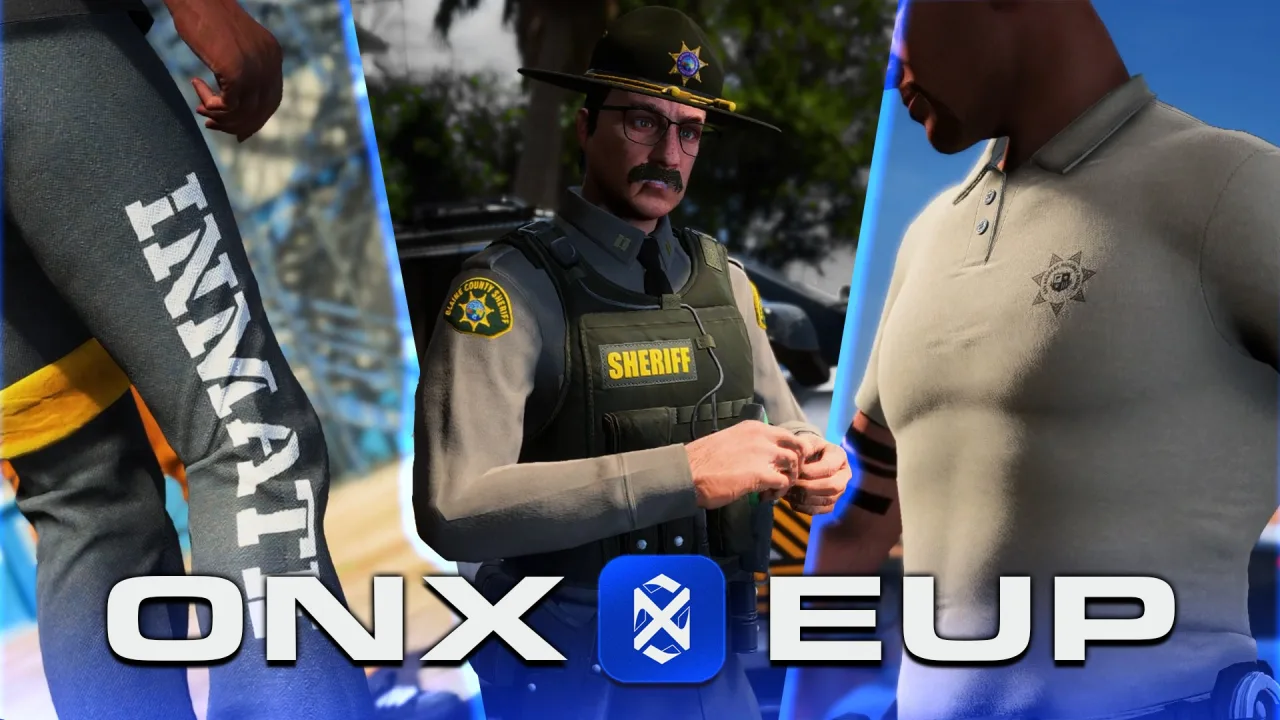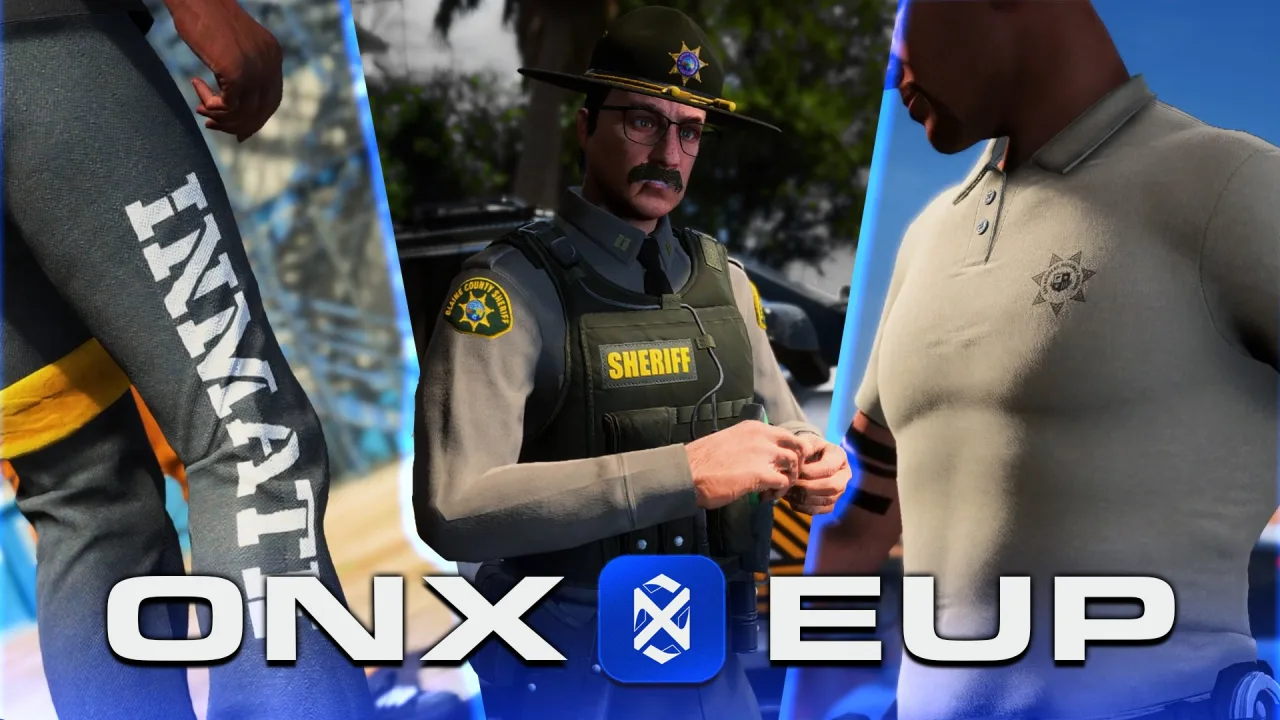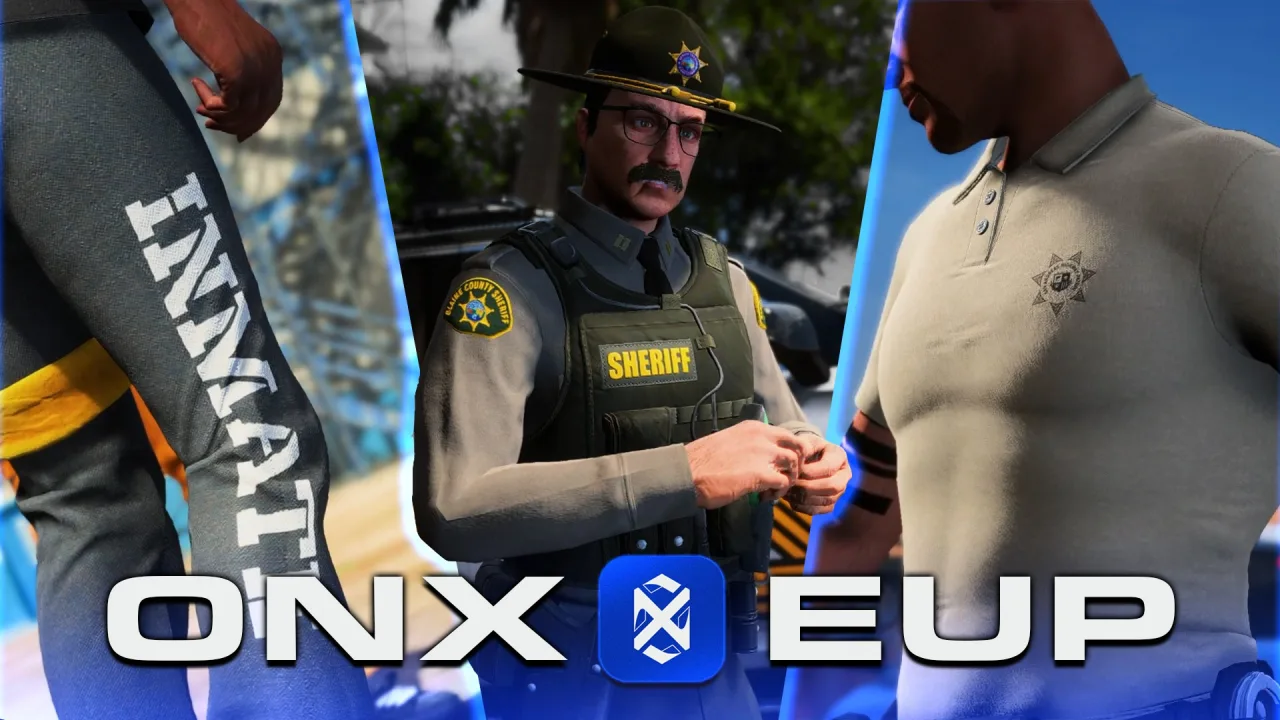
Getting fivem custom clothing right is one of the biggest quality-of-life wins a server can deliver — players notice outfits immediately, and a well-built wardrobe sets the tone for the whole roleplay experience. Whether you are building a police department pack from scratch or layering civilian streetwear, the process comes down to three technologies: add-on peds, YMT drawable tables, and a clean streaming setup. Get those three right and everything else follows.
Understanding the Add-on Ped vs. Replacement Ped Difference
Replacement peds overwrite a base GTA V model slot — fast to set up, but every server restart risks conflicts when two resources claim the same slot. Add-on peds use their own model hash, leaving base game slots untouched. For a server with more than a handful of clothing packs, add-on is the only sane approach. You register a new ped model in a fxmanifest.lua, stream the .ydd drawable and .ytd texture dictionary alongside it, and reference the model by hash in your clothing menu script. No slot collisions, no silent overwrites on update.
YMT Files: What They Are and Why They Matter
A .ymt file is the metadata table that maps each drawable index to its texture count, flags, and available components. Without a correctly structured YMT, the game engine cannot render component variations — hats will appear bald, jackets will show up as invisible geometry, or the drawable count will mismatch and crash the streamer. OpenIV’s YMT editor lets you inspect the raw XML structure; for batch work, many creators use the community-maintained CodeWalker YMT export pipeline. Always validate drawable counts in the YMT against the actual .ydd component count before shipping a pack.
Folder Structure and Streaming Best Practices
A predictable folder layout prevents most streaming bugs. A working pattern:
- stream/ — all .ydd, .ytd, and .ymt files live here
- client.lua — registers the model hash, requests it, and signals ready
- fxmanifest.lua — declares files with a glob for the stream folder and sets client_scripts
Keep each clothing pack as its own resource rather than one monolithic stream folder. A 200 MB single stream resource hits the streamer hard on player join; ten 20 MB resources load progressively and let you toggle individual packs without restarting the full server. Name files with a unique prefix to prevent dictionary collisions across resources.
Texture Dictionaries and LOD Quality
Every .ytd should contain textures at two mip levels: full-res for close range and a downscale for LOD. Skipping LODs does not cause crashes, but it hammers VRAM on populated servers — forty players in the same area each loading a high-resolution uniform texture is a fast path to client stutters. Target 1024×1024 for most clothing components; 2048×2048 is only justified for hero pieces like a detailed tactical vest. Compress to DXT5 for anything with an alpha channel and DXT1 for opaque components.
Component Slots and Layering for EUP Compatibility
Emergency Uniforms Pack builds on GTA’s native component system: slots 0–11 map to face, mask, hair, torso, legs, bags, shoes, accessories, undershirt, body armour, decals, and top. When you build a custom law-enforcement or civilian pack, decide which slots you are touching and which you are leaving to the base ped. Common mistakes include writing a torso drawable that overrides the undershirt slot unintentionally, or shipping a pack that sets body armour visibility to zero on all variants. Test each component slot in isolation first, then test in a live FiveM server with EUP loaded alongside to verify there are no slot conflicts. If your server uses a script-side clothing menu, make sure the menu reads drawable counts dynamically from the GetNumberOfPedDrawableVariations and GetNumberOfPedTextureVariations natives rather than hardcoding values that become stale when a pack updates. Servers running mixed clothing and vehicle content benefit from the same streaming discipline, and the same resource-isolation rules apply when combining vehicle and clothing packs in the same session.
Building a Modular Wardrobe System
A wardrobe is not just a collection of packs — it is a menu-driven system that lets players build outfits from components without a server restart. The typical architecture pairs a NUI-based clothing menu with a database table storing per-character outfit snapshots. Each row saves the ped model hash plus an array of component, drawable, and texture tuples. On character load, the client requests the model, waits for it to stream in, then applies the snapshot. The key resilience requirement: if a clothing pack is removed, the load routine must degrade gracefully — fall back to a default drawable rather than throwing a Lua error. Build that check in from day one; retrofitting it after players have saved outfits is painful.
Security and Anti-Cheat Considerations for Clothing Resources
Custom clothing packs expand the attack surface in two ways: malformed YTD files can be used to probe texture memory, and unvalidated clothing menu inputs are a classic vector for ped model injection. Always validate clothing component indices server-side before syncing them to other clients — never trust a raw SetPedComponentVariation call originating from client input without bounds-checking against the allowed drawable range for that ped. On the resource side, audit third-party packs before deploying them; a modified .ydd is a binary blob that bypasses most text-based scanning.
A well-built clothing wardrobe is a compounding asset — players invest in their characters, server identity strengthens, and retention improves. The technical overhead is real but front-loaded: nail the YMT structure, streaming layout, and component slot discipline once, and every subsequent pack drops into a proven pipeline with minimal friction.