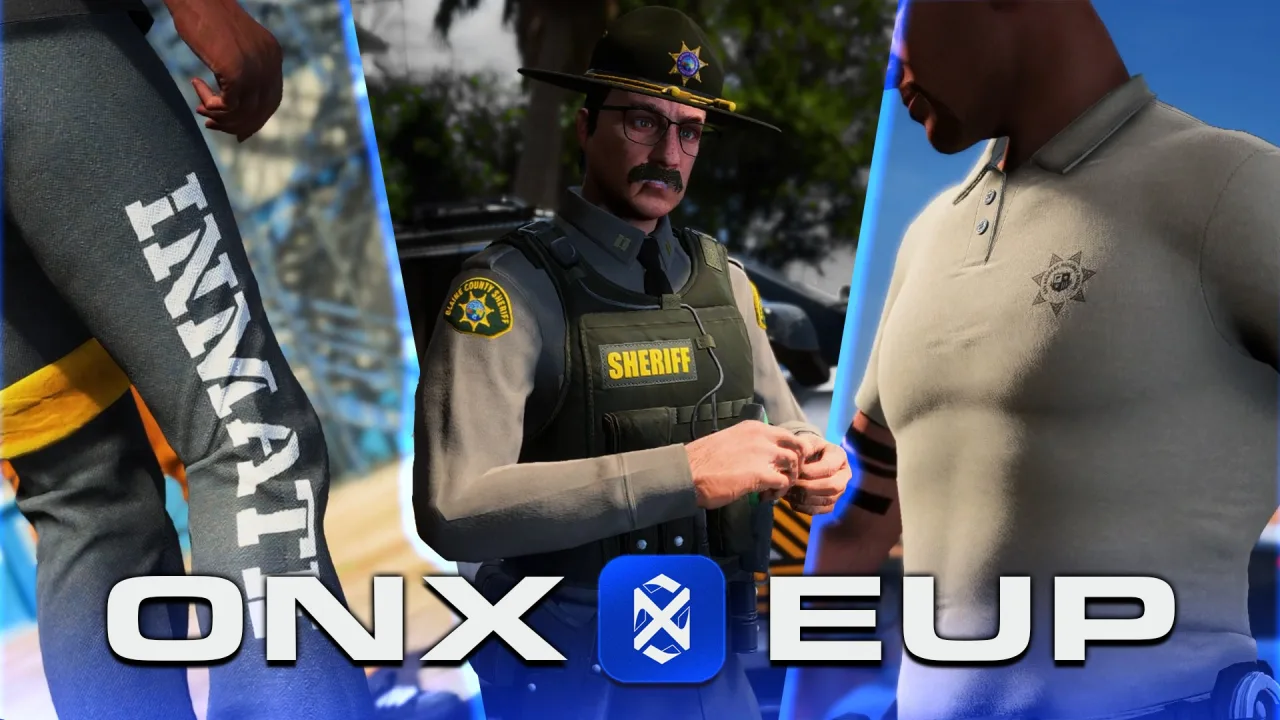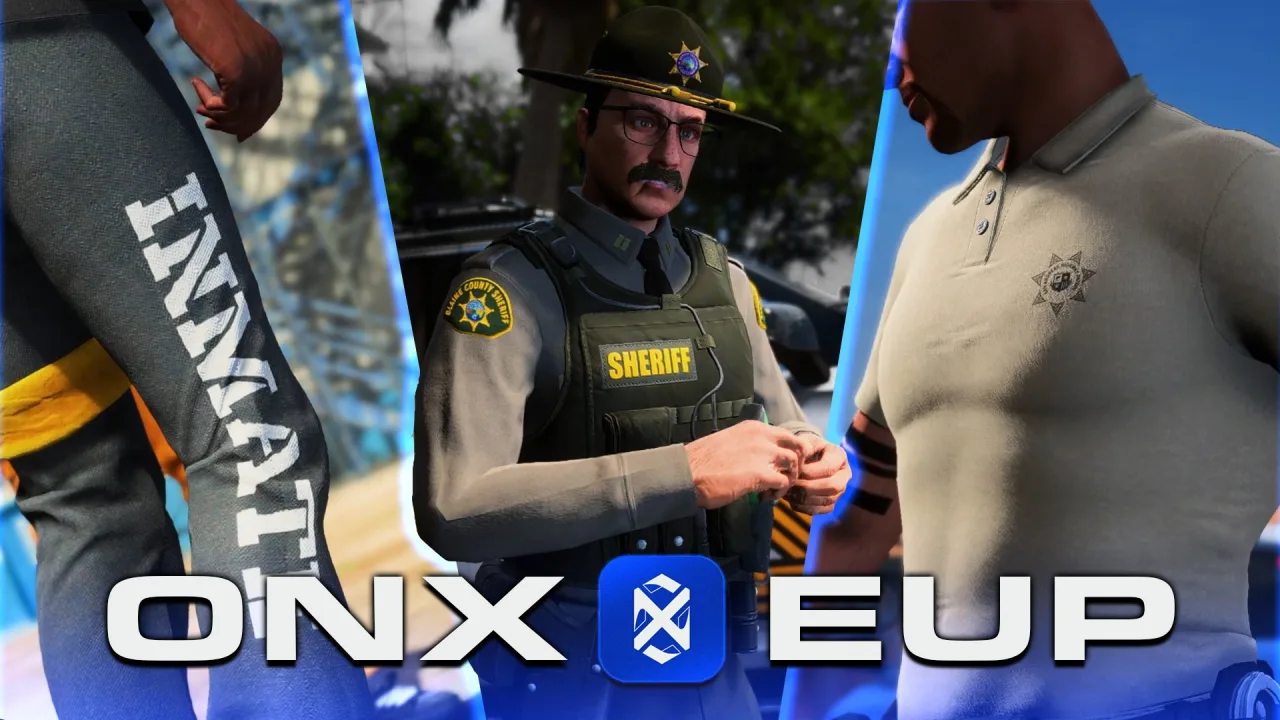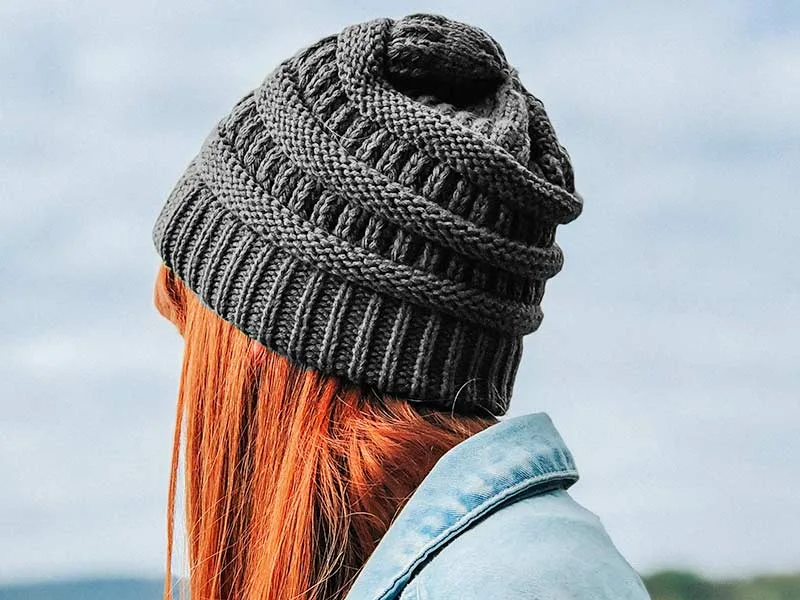
Accessories are the layer players notice last and complain about first. A gold chain that sinks through a hoodie, a mask that disappears under a beanie, a duffel bag hovering six inches off someone’s back — fivem character accessories fail in ways ordinary clothing rarely does, because they hang off the skeleton and fight everything else the ped is wearing.
The reason is structural. Accessories aren’t one system; they’re split across clothing components and props, each driven by a different native, each streamed and numbered its own way. Get the split wrong and the item won’t load, won’t appear in the menu, or quietly eats frames the moment a crowd spawns. Here’s how the pieces actually fit — and what to check before you pay for a pack.
Components or props? Where accessories actually live
Character accessories live in two separate systems. Chains, masks and bags are clothing components, set with SetPedComponentVariation. Hats, glasses, earrings and watches are props, set with SetPedPropIndex. The split matters because each system carries its own slot numbers, its own drawable indexing and its own menu wiring.
That one distinction explains most “why won’t this show up” tickets. A modeller builds a beanie as a prop, the pack author documents it as a component, the menu tries to load it on the wrong native, and nothing appears. Before you touch numbering, know which of the two systems an item belongs to.
The accessory slot map: chains, masks and bags
Chains and necklaces sit on component 7 — the neck slot that also holds ties, lanyards and scarves. Here’s the trap: that slot’s drawable files carry the legacy teef prefix, a holdover from single-player teeth that the freemode ped never uses. Half the outfit tools and pack folders out there mislabel it and reuse the accs prefix, which actually belongs to component 8 (the undershirt). If a pack’s numbers refuse to line up, a prefix mix-up is the first thing to rule out.
Masks are component 1, sharing the berd beard slot — which is exactly why a full-face mask and a heavy beard can’t both render cleanly at once. Bags, backpacks and parachutes are component 5 (hand), so a chest-rig pack and a parachute compete for the same slot; players get one or the other, never both. Knowing these overlaps up front saves you from promising combinations the ped physically can’t wear.
Hats, glasses and watches: the prop slots
Props attach at anchor points rather than body components, and they’re indexed completely separately. Hats and helmets anchor at prop 0 (p_head), glasses at prop 1 (p_eyes), earrings and earpieces at prop 2 (p_ears), watches at prop 6 (p_lwrist) and bracelets at prop 7 (p_rwrist).
Because props run through their own natives, they clear on their own — ClearPedProp pulls a hat without touching the shirt — and they count drawables with GetNumberOfPedPropDrawableVariations instead of the component equivalent. A pack that bundles a hat and a chain is really two assets on two systems, and each half can be wired correctly or broken independently of the other.
How accessories stream: ydd geometry and ytd textures
Every accessory is a pair of files: a .ydd holding the mesh and its skeleton weighting, and a .ytd holding the textures. Miss the ytd and your gold chain renders as an untextured grey blob; mismatch the names and it won’t bind at all. If you’ve streamed custom MLOs and world props before, the ydd/ytd pairing will look familiar — ped accessories just add skeleton weighting on top of it.
Genders are separate skeletons. mp_m_freemode_01 and mp_f_freemode_01 each need their own drawable, so a chain that only exists for the male ped simply won’t appear on female characters. Add-on packs append their drawables after the base-game count, and that append offset is precisely where your menu config numbers have to match — off by the base count and every index points at the wrong model.
Texture variants are the cheap win. One chain .ydd can carry several .ytd variants — gold, silver, rose, iced — as texture indexes on a single drawable, rather than five separate models. A well-built pack uses variants generously; a lazy one ships five near-identical drawables and burns five slots doing it.
Why accessories clip: rigging, jackets and hair
Clipping is the number-one accessory complaint, and it’s almost always a weighting problem. Each accessory mesh is rigged to skeleton bones so it follows the body through animations. Weight a chain only to the chest and it stays rigid when the player leans, aims or crouches, so it punches straight through the torso on any real movement. Good rigging bleeds the weights across the neck and upper spine so the chain swings instead of stabbing.
Layering is the other half. A chain modelled to sit on a t-shirt torso will vanish inside a puffer jacket, because the jacket mesh is thicker than the space the chain was built to occupy. There’s no universal fix — it’s why quality packs ship “over-shirt” and “under-jacket” variants, and why testing an accessory against your server’s actual jacket catalogue beats testing it on a bare torso.
Hair and head props fight the same battle. Long hair (component 2) pokes through hats (prop 0), and a full mask (component 1) will clip a thick beard. None of that is broken code; it’s the cost of hanging rigid geometry on a deforming skeleton, and it’s why accessories need more QA than a flat texture swap.
The FPS cost of accessories in a crowded scene
One chain on one player costs nothing. Forty players at a car meet, each wearing a hat, glasses, a chain and a watch, is a different math problem — that’s up to 160 extra drawables and their draw calls rendering at once. High-poly accessories with real modelled links, no baked normal maps and no LODs are where a busy spawn turns into a slideshow.
Test it the honest way. Spawn 25–30 freemode peds with a scratch resource, load the accessory on all of them, and watch your appearance or clothing resource in resmon. A clean chain pack won’t move the needle; a 12,000-poly chain with modelled links adds a millisecond or two per frame once the draw calls stack, and that’s before anyone opens a menu. Treat accessory geometry the way you’d treat any resource-heavy addition to your build and measure it before it hits a live server.
Wiring accessories into your appearance menu
Streaming an accessory is only half the job — players still can’t equip what the menu never exposes. Menus such as illenium-appearance and fivem-appearance read a drawable count per slot, and if that count is capped at the base-game number, your appended indices sit in the stream invisibly. The pack loads, resmon shows it, and not one player can select it.
The fix is config, not code: let the menu auto-detect the new drawable count, or raise the per-slot maximum yourself. Confirm the exact behaviour for whichever menu you run, because “it streams” and “players can wear it” are two separate checkboxes — and plenty of packs ship having passed the first and failed the second.
Buying accessory packs: a vetting checklist
Screenshots sell accessories; rigging and slot hygiene decide whether they survive contact with your server. Run any pack through this before it goes live:
- Both genders. Confirm
mp_mandmp_fdrawables ship together — plenty of packs quietly cover only one.
- Properly weighted. Test on run, aim and crouch animations, not a menu T-pose. Rigid, clipping geometry only shows itself in motion.
- Texture variants included. A chain pack should give you the metals and finishes as variants on one drawable, not five wasted slots.
- Right system, right slot. Make sure hats arrive as props and chains as component 7 — mislabelled slots are the most common “it won’t load” cause.
- Appended, not overwritten. Drawables should append after the base count so they don’t collide with your EUP or existing clothing indices.
- LODs and a sane poly budget. Ask for the triangle count and whether lower LODs exist; you’ll thank yourself at the next car meet.
- Escrow or open, and framework-aware. Check it targets your menu (illenium/fivem-appearance, qb-clothing) and that the licence terms are spelled out.
Most of that you can only verify after purchase, which is the argument for buying through a store you can actually vet instead of a random Discord drop — a real store means refunds, an update history and a name attached to the work.
Common questions about FiveM accessories
What component are chains on in FiveM? Chains, necklaces, ties and scarves sit on component 7, the neck/accessories slot. Its drawable files use the legacy teef prefix, which is why some tools mislabel it and reuse the accs prefix that really belongs to component 8.
Why does my chain clip through jackets? Two usual causes: the mesh is weighted for a thin torso and can’t clear a bulkier jacket, or the chain simply isn’t rigged to move with the upper spine. Quality packs ship separate over-shirt and under-jacket variants to dodge the first problem.
Do accessories work on both male and female peds? Only if the pack includes both. mp_m_freemode_01 and mp_f_freemode_01 are separate skeletons with separate drawables, so a male-only chain won’t appear on female characters no matter how the menu is configured.
Accessories are the cheapest immersion upgrade you can make — the small detail that turns a generic spawn into a roleplay character people recognise across the city. They just demand more care than a flat clothing swap: right system, clean rigging, both genders and a poly budget your server can carry into a crowd. Vet for those four and a five-dollar chain pack punches well above its price.