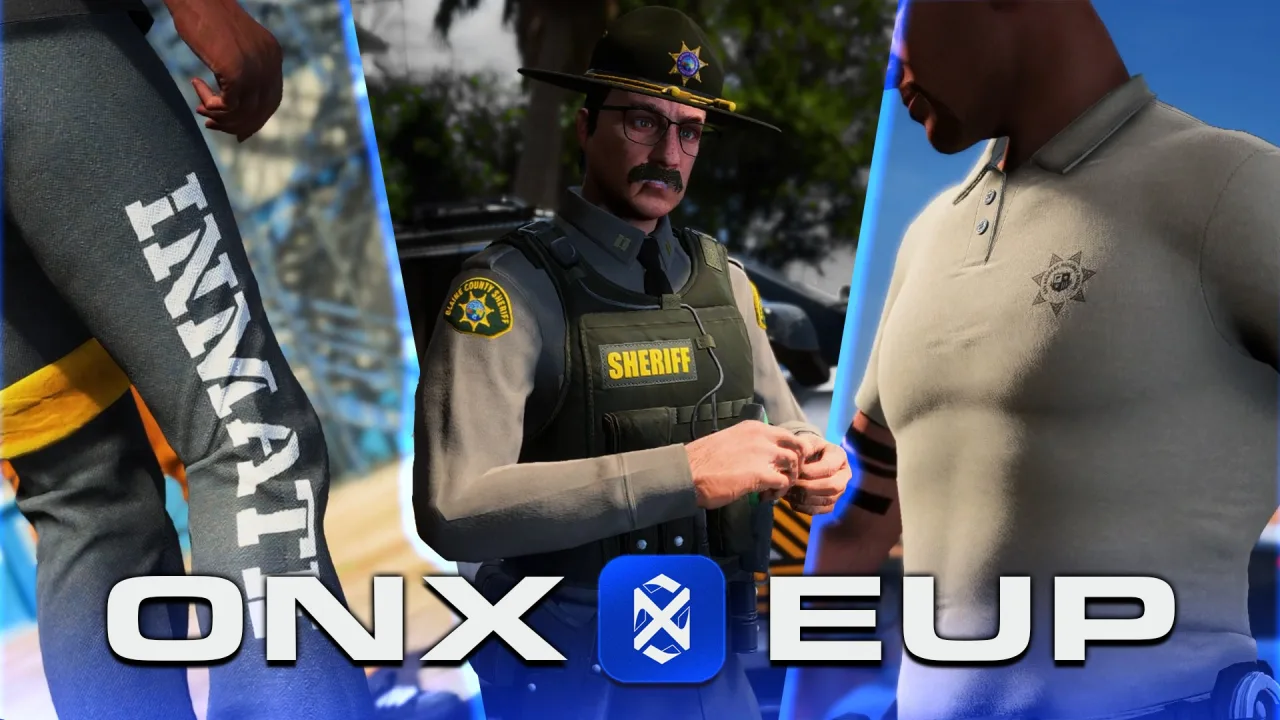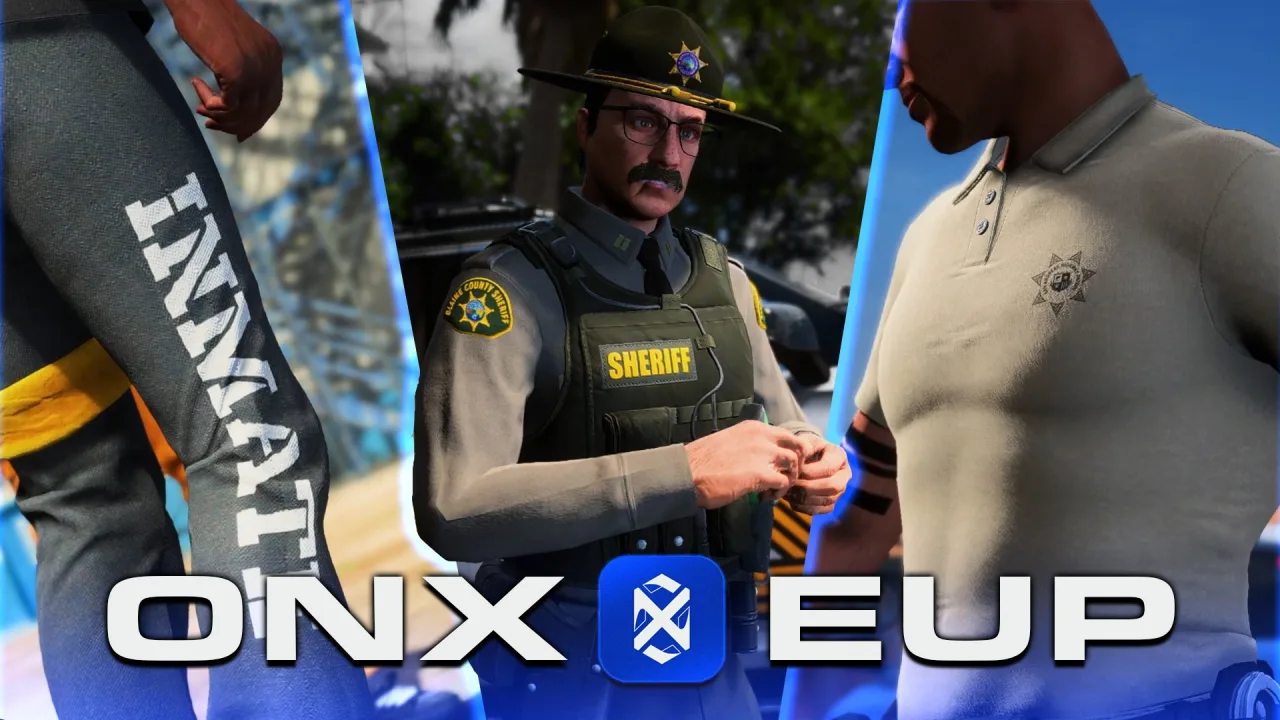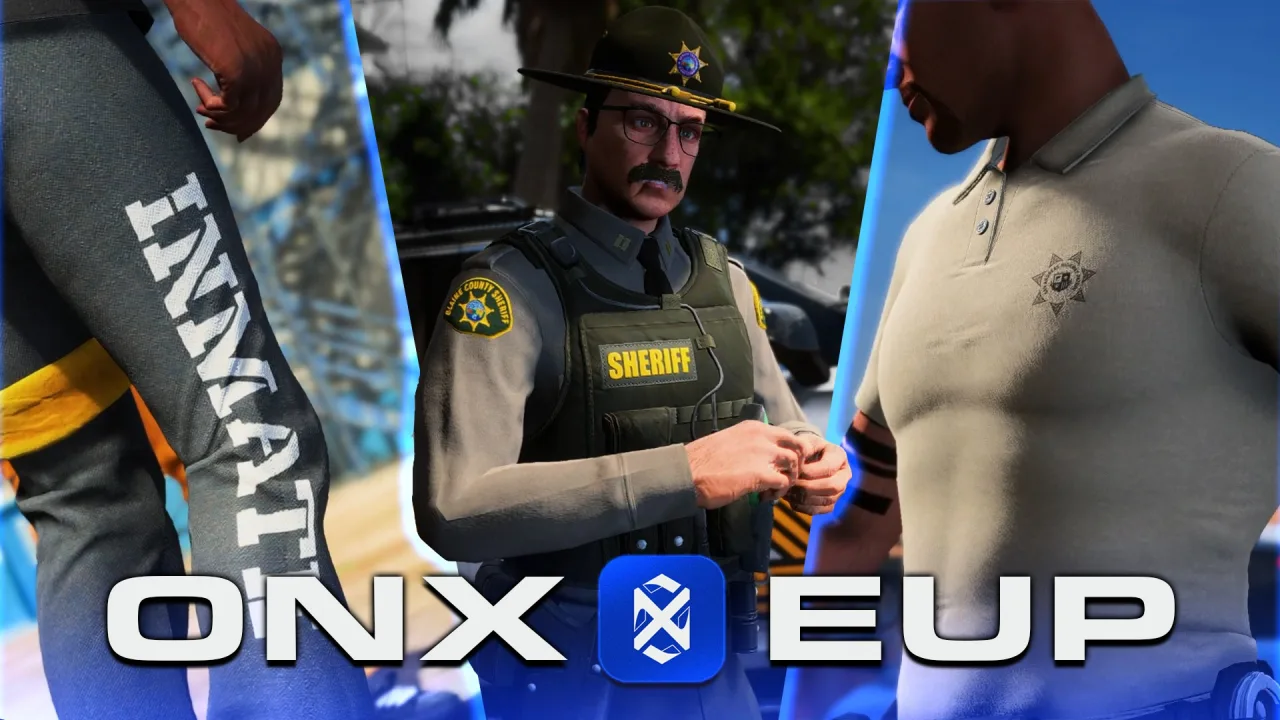
A fivem appearance menu is the resource that lets a player build their character’s face, body, hair, and clothing, then stores that look so it survives a disconnect. It is one of the most foundational scripts on any roleplay server: without a reliable appearance system you have no character identity, no clothing stores, and no way to enforce job uniforms. Picking the right one early saves you a painful migration later, because appearance data is tightly coupled to your framework’s player and character tables.
What an appearance menu actually does
At its core, an appearance resource opens the GTA V ped customization UI (or a custom NUI version of it) and writes the resulting model, components, and props to your database keyed to a character. “Components” are the clothing slots (torso, legs, shoes, masks), while “props” are the attachable items (hats, glasses, earrings). The menu also handles head blend data for faces, overlays for makeup and facial hair, and tattoo decorations. Everything the player sees on their ped has to be saved and reapplied on spawn, which is why the database schema matters as much as the UI.
The main options compared
fivem-appearance— a modern, standalone NUI resource that also ships first-class Qbox support. It is clean, actively maintained, and a good baseline if you want something framework-agnostic or are building on Qbox. Clothing stores, barbershops, tattoo and surgeon menus are exposed through config and exports.
illenium-appearance— the most popular QBCore-focused fork offivem-appearance. It bundles shop logic (clothing, barber, tattoo, surgeon) with pricing, blacklists, and outfit management out of the box, which is why so many QBCore servers run it. It also supports Qbox and ESX in recent versions.
qb-clothingand olderskinchangermenus — the legacy path.skinchangerplusesx_skinandfivem-appearance‘s ancestors powered ESX servers for years, andqb-clothingwas QBCore’s original. They still work but feel dated, lack the polished shop flow, and store data in ways that are harder to extend.
If you are starting fresh on QBCore, illenium-appearance is the path of least resistance. On Qbox or a standalone build, fivem-appearance is the cleaner foundation.
Feature set: stores, barbers, tattoos, surgeon
All the modern menus split customization into separate physical locations. A clothing store sells torso, legs, shoes, bags, and accessories; a barbershop handles hair, facial hair, and eyebrows; a tattoo shop sells decorations by collection; and a surgeon or plastic surgery menu lets players edit face structure and skin tone for a fee. illenium-appearance ships these with configurable prices and blip locations, whereas with fivem-appearance you wire the same behavior through its exports if you want shop pricing.
How appearance is saved to the database
Two storage styles dominate. Older systems like skinchanger/qb-clothing spread the look across discrete columns (a skin string or many numeric columns). Modern resources store a single JSON blob — typically a skin or appearance column on the character row — containing model, head blend, components, props, tattoos, and overlays. JSON is far easier to version and migrate, but it means you must keep the menu and the framework in agreement about the shape of that object.
Crucially, appearance is saved per character, not per account. That is what makes multicharacter work: each citizenid (QBCore/Qbox) or identifier-plus-slot row carries its own appearance JSON, so switching characters reapplies a different ped. When you integrate a multichar resource, confirm it passes the active character id into the appearance load function rather than using the raw license identifier.
Blacklisting, exploits, and stability
Some drawables and props are known to crash clients, render players invisible, or clip badly — and invisible models are routinely abused for ban or detection evasion. Every serious appearance resource includes a blacklist config where you exclude problem component and prop IDs per ped model. Maintain that list actively: when you add EUP or add-on clothing, new IDs appear and a single bad drawable can crash everyone who walks past the wearer. Also blacklist obviously exploitable items (invisible torsos, broken hats) and test new clothing packs on a dev server before they reach players.
Outfits, job uniforms, EUP, and updates
Wardrobe systems let players save named outfits and reload them later; illenium-appearance stores these alongside the character. Job integration builds on the same save logic — an on-duty event sets a fixed outfit (police, EMS, mechanic) and restores street clothes off duty, usually by calling the appearance export with a preset component table. EUP and add-on clothing extend the available components beyond base game ranges, so your menu must allow higher drawable indices and your blacklist must keep pace. Finally, weigh maintenance: a forked resource that stops updating will drift from your framework, so favor the option with active releases and a clear upgrade path.
Matching menus and clothing assets
Matching your appearance menu to clothing assets from the same ecosystem reduces blacklist surprises and ID mismatches.
There is no single “best” appearance menu — only the one that fits your framework, your character flow, and your maintenance appetite. Choose fivem-appearance for a modern standalone or Qbox base, illenium-appearance for a batteries-included QBCore shop experience, and treat the database schema, per-character saving, and component blacklist as the parts you cannot afford to get wrong.
Check outfit persistence before changing menus
Confirm how the replacement menu stores ped models, clothing collections, drawable IDs and prop variations. Test existing saved outfits on staging before migrating character data or changing the game build. If outfits restore incorrectly, follow the FiveM clothing conflict checklist to distinguish an outfit-ID migration issue from a broken clothing asset.